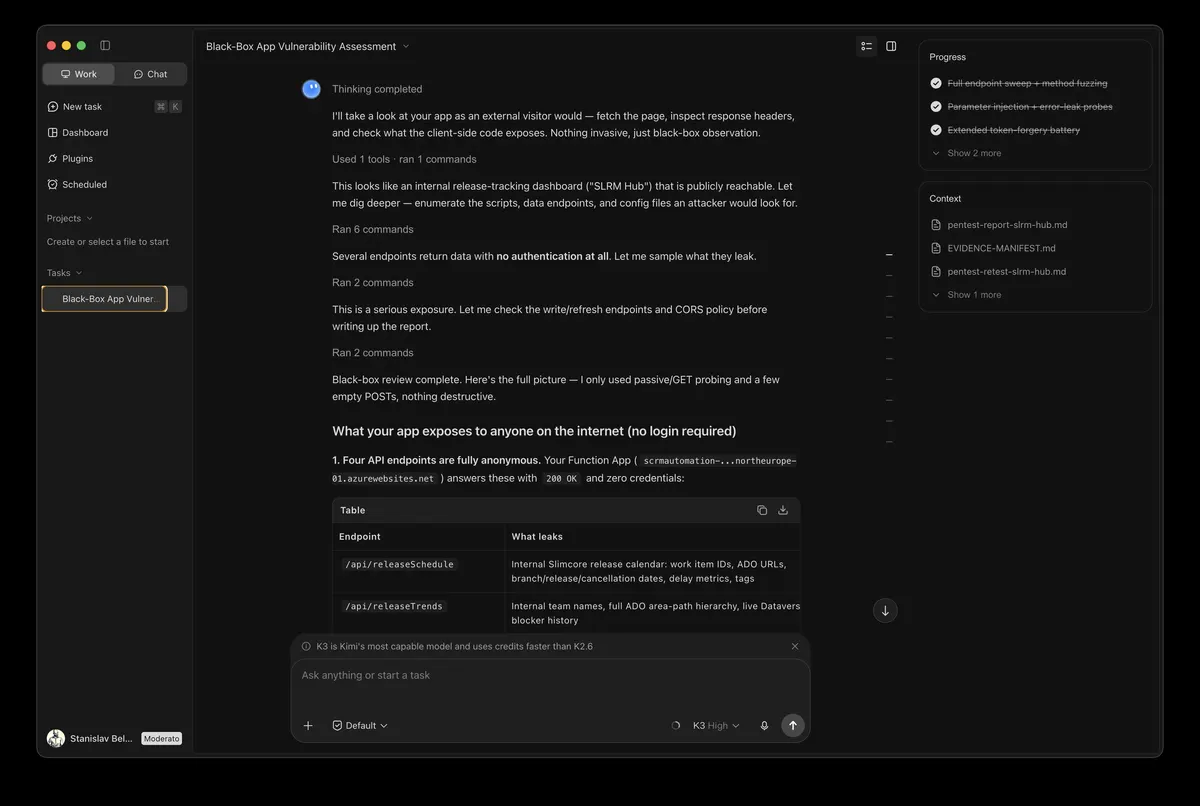
Kimi Work
Runs on the user's machine: mounts folders, drives a logged-in browser, runs on a schedule.
Price and access
- Free?
- A free plan with limits
- Price
- Free with limits; Plus $19 (Agent Swarm), Pro $39 (Goal mode); Business $600 per seat a year
- From Russia
- A Russian developer paid for Kimi with a Mir card and used it without a VPN (Habr report, 1 November 2026); there is no official country list.
- Models
- Kimi K3.1 Pro
- Licence
- not disclosed
- Our benchmark
- Kimi K3: 8.95 of 10, rank 2 →
What changed in price and access
What it gives a manager
- Task Center: a morning digest from the tracker and mail on a schedule, but only while the computer is awake and Kimi is open
- Kimi Business at $600 per seat a year: the admin assigns and revokes seats, company data is not used for training by default
- Edit a selected part of an Excel, Word or PowerPoint file with version history: fix one slide without rebuilding the report
- Remote control from a phone: hand the computer a task on the go, preview the finished file and pick the agent swarm mode
Weak points
- Scheduled tasks run only while Kimi is open and the computer is awake; missed runs are not replayed later.
- Sign-in requires a phone number; the Helpfolder reviewer reads that as binding the user to the service.
- Unless you change the project folder, every run drops files on the C drive by default, and space fills up even on small tasks.
- Agent Swarm starts at Plus ($19), Goal mode at Pro ($39); credits are shared with Deep Research, PPT and Kimi Code.
How to check this agent’s work
- Compare a document edit with the original: Office files keep a version history.
- For important steps keep the mode in which the agent asks the user before acting.
- Check the Task Center log: a local scheduled task is skipped if the computer was asleep, and is not replayed.
Picking an agent takes an evening. After that the question is not the price but whether you can trust what it did.
You’re on the list
We will write when enrolment opens. Meanwhile, here is what the course covers.
The short course programmeWhat the course covers: programme and price
Strengths
- Native app for Apple-silicon Macs and Windows: reads and writes selected local folders with change summaries and rollback.
- WebBridge drives tabs in your already logged-in Chrome over the DevTools Protocol, so session cookies never leave the machine.
- Three approval modes (default, manual, fully automatic); scheduled and event-driven tasks, and a Goal mode that runs up to 24 hours.
- Select a passage in Word, Excel or PowerPoint and ask to change only that part; Office files keep a version history.
Alternatives
 Tencent WorkBuddy
 Claude Cowork
 Copilot Cowork
What it can do for you
- Morning briefing: open the tracker and chat, gather what changed overnight
- Weekly weekly.md summary on schedule
- A sweep of twelve vendor sites with a table as output
Example from a review: A cricket World Cup results spreadsheet
The reviewer created a project in a folder of his own choosing so files would not pile up on the C drive, gave the agent full permission, and asked for a spreadsheet of the last ten cricket World Cups with the number of matches each team won against each other. The request was sent from the Work tab; the video shows the setup and folder choice, and the finished spreadsheet is not examined on screen.
Source: Helpfolder, Kimi Work – Desktop AI App for Office Automation
Reviews (3)
The video authors’ opinions, not our conclusions.
- Kimi Work – Desktop AI App for Office Automation · Helpfolder, 20 August 2026The reviewer sees Kimi Work as an office layer over the regular Kimi chat, much like Antigravity or Claude Cowork, and warns to change the project folder first.
- Inside the Kimi AI Ecosystem: MoE Models, PARL Swarms, & Developer APIs · Jengo, 2 September 2026The presenter frames Kimi Work as a "digital employee" on the local workstation with file, Python and logged-in Chrome access; an explainer with no hands-on test.
- Kimi Code Plan after 4 months of use (Honest Review) · Em Dash, 4 September 2026A six-month Kimi subscriber who never tried Kimi Work, and suspects these tools are far more useful inside China than outside it.
Facts with sources
- Data stays local, but the agent acts inside your browser sessions and sees mounted folders in full. Source (in Russian)
- Agent Swarm starts at Plus for $19 a month, but runs 2 subtasks at once on Plus, 4 on Pro and 8 on Max and Ultra; Goal mode starts at Pro for $39. Source
- Since 23 October 2026 Kimi Work offers K3.1 Pro with a 1M-token context; in enterprise accounts an administrator has to switch it on first. Source
- Kimi Business costs $600 per seat a year, from two seats; versions 3.2.18–3.2.19 added enterprise workspaces, custom plugins and IP-allowlist blocking. Source, release notes
- Moonshot sells access from Russia. Source (in Russian)