ChatGPT in 2026: What Changed and Where Managers Should Start
AI models in this article
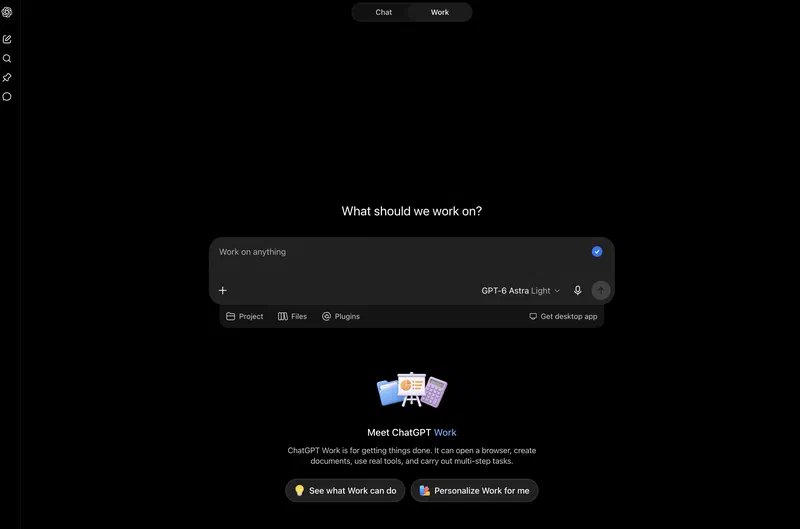
In 2026, calling ChatGPT “a chatbot” undersells it. It is a work platform with several models, search, deep research, an agent mode, image generation and Codex for software development. Sora, the video app that used to sit in the same ecosystem, was shut down as a consumer product in April 2026. All that breadth makes the basic question harder for newcomers: which parts does an ordinary manager actually need, and which still matter only to power users and engineering teams?
The short version: what changed by September 2026
If you haven’t been following OpenAI, here is what moved in the model lineup.
- GPT-6 Astra shipped on September 3, 2026 and is the new flagship. It is built for agentic work inside software: a 1.05M-token context window and five reasoning-effort levels, up to a new max setting. It is not in our benchmark yet.
- GPT-5.6 Sol, Terra and Luna have moved down to the middle tier, and the whole family got noticeably cheaper over the summer.
- GPT-5.3 Instant is still ChatGPT’s default model for everyday work: emails, meeting summaries, document drafts, translations and quick explanations.
- GPT-5.4 and GPT-5.4 mini (March) and GPT-5.5 and GPT-5.5 Pro (May) are the previous generations of the reasoning line: still available, but no longer the story.
- OpenAI did a major cleanup of older models in ChatGPT. On February 13, 2026 it removed GPT-4o, GPT-4.1, GPT-4.1 mini, o4-mini and GPT-5, and on March 11 the GPT-5.1 models went too.
The takeaway is simple: in 2026, old reviews about GPT-4o or “which GPT-4 should I pick” are no longer a useful guide. For everyday work, what matters now is the difference between GPT-6 Astra, the GPT-5.6 family, and the modes inherited from earlier generations.
Try it yourself: ChatGPT vs Kimi vs Grok
Before we get into models and pricing, run two prompts right here and compare the answers from three models: ChatGPT, Kimi K3 (Moonshot) and Grok 4.5 (xAI). It takes 15 seconds and tells you more than any review.
Example 1. A note to the team about a release delay
You
You lead an 8-person product team. Write a short note (under 150 words) telling the team the release is slipping by two weeks because of a critical bug in the payments integration. The note should acknowledge the inconvenience, explain the cause clearly without blaming anyone, set out the new plan, and thank people for their flexibility. Tone: respectful and confident, no corporate jargon.
Watch the differences: Kimi tends to give longer, more structured answers, Grok is blunter and allows itself a bit of humor, and ChatGPT lands in the middle, close to a “corporate standard”. Further down there is a second prompt built around an HR scenario, so you can compare the models on a very different kind of task.
What matters to a manager, as opposed to an AI enthusiast
Most AI marketing is about benchmarks, context windows and model names. For a non-technical user a different question is more useful: what problem are you solving, and how expensive is a mistake?
In 2026 it helps to think of ChatGPT as three layers:
- The fast working layer: write an email, pull together a summary, turn notes into a plan, draft a job posting, outline a presentation.
GPT-5.3 Instantis usually enough here. - The analytical layer: compare options, work through a long document, build a launch plan, prepare a conversation with your team, break a problem into hypotheses. This is where
GPT-5.4 Thinkingearns its place. - The tooling layer: code, automation, agent workflows, operating interfaces and files. That is the territory of
Codexandagent mode– and, since September, ofGPT-6 Astra.
For most managers, the real progress in ChatGPT this year is that picking the right mode for the job has become easier.
GPT-6 Astra – ChatGPT’s new flagship
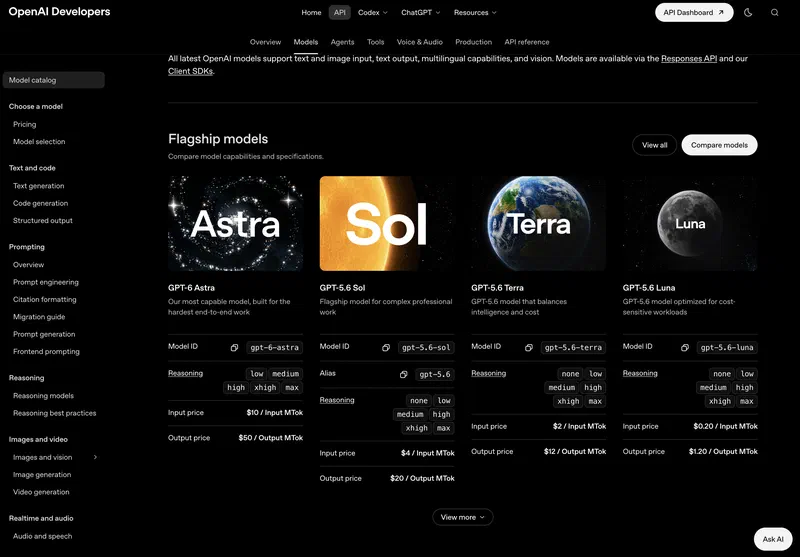
On September 3, 2026 OpenAI released GPT-6 Astra and made it the top of the lineup. The headline is agentic computer use: the model drives a browser, spreadsheets, desktop applications and a terminal through their own interfaces. It is not in our benchmark yet, so what follows is vendor data and independent leaderboards.
On paper Astra is close to GPT-5.6 Sol: the same 1.05M-token context (up to 922K of it for input) and up to 128K output tokens. What’s new is five reasoning-effort levels, from low to max, and a knowledge cutoff of April 30, 2026. It takes text and images as input and returns only text: there is no audio, and images are produced only by a connected tool.
There is one architectural difference from GPT-5.6 that matters for long tasks: context compaction has been replaced with notes. The model keeps them throughout the conversation and can search them. On long agentic runs the effect is concrete – Astra stops losing the details of earlier failures.
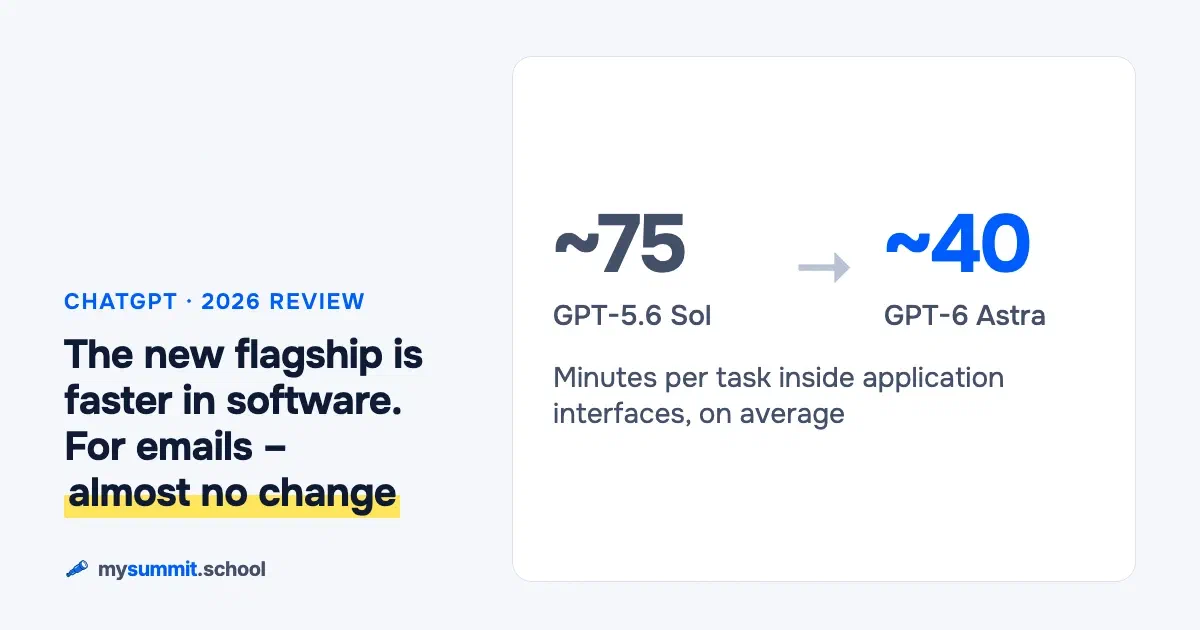
OpenAI’s own numbers look like this. On OSWorld V2-Offline, a test where the model completes tasks inside the interfaces of real applications, Astra scored 72.6% versus 65.7% for GPT-5.6 Sol, and average task time dropped from about 75 minutes to about 40. On DeepSWE v1.1, a benchmark of real software engineering work, the gain is marginal: 74.1% versus 72.7%.
What this means in practice: Astra is much better at operating software, while writing and reasoning stayed roughly at the level of the previous flagship. If you are choosing a model for emails, analysis and decision prep, the September release changes almost nothing. If you plan to hand an agent tasks that run through application interfaces, the difference is real.
Safety restrictions deserve their own note. Astra is the first OpenAI model to reach the Critical level for cybersecurity under the company’s Preparedness Framework. The standard API refuses tasks that involve finding exploits; full access is open only to members of the Trusted Access and Daybreak programs, the latter offering subsidized access to cyber-defense organizations. OpenAI itself warns that regular users may run into slowdowns, pauses and blocked requests.
A Critical threshold sounds abstract until you look at what the previous generation already did in the wild. In June 2026 an agent built on GPT-5.5 and 5.6 models made 17,600 attempts and found one working way into Hugging Face’s infrastructure – we covered the incident in a separate breakdown. Astra arrived a month after that piece. But it is the model on which OpenAI, for the first time, closed off exploit tasks in the regular API – a response to a class of scenarios that by September had stopped being hypothetical.
Availability: paid ChatGPT plans (Plus, Pro, Business, Enterprise), the API, Microsoft Azure and AWS Bedrock. Premium-plan subscribers also get the Astra Pro variant.
What Astra costs
The API is more expensive than the previous flagship: $10 per million input tokens and $50 per million output tokens. And there is a detail that is easy to miss when you budget: on requests longer than 272K input tokens, the input rate doubles to $20 and output rises to $75 – and the higher rate applies to the entire request. One long call with a big document inside gets repriced in full. For your budget, that means cost grows faster than request length. And agent workflows are exactly the ones that carry a long history.
There are levers in the other direction too: Batch and Flex modes cost half the standard rate, while priority processing costs twice as much.
Against that backdrop, the middle tier keeps getting cheaper. In July Luna’s price fell by 80% and Terra’s by 20%. In August Sol got more than 20% cheaper – though only for three months. The top of the platform is getting pricier, the bottom cheaper, and the habit of “just use the flagship by default” makes less and less sense.
On the price-versus-quality map from our benchmark, the GPT-5.6 family sits in an unusual spot after the summer price cuts: quality from the top of the ranking at a cost well below the new flagship. Astra isn’t on this map yet.
What the independent leaderboards say
On Artificial Analysis, a leaderboard that measures models from every vendor with the same methodology, Astra at max effort scores 55 on the Intelligence Index at a blended price of $2.57 per million tokens. Only Anthropic’s Claude Fable 5.1 ranks higher: 57 points at a blended $6.12, more than twice the price. The launch post reads like the story of an undisputed leader; the independent measurement is more modest, and Astra comes second. If you are choosing between the top two, a two-point gap is debatable, while the price gap is more than twofold. What Anthropic puts up against OpenAI’s new flagship is covered in the Claude review from this series.
A caveat on methodology: Artificial Analysis publishes its index in versions and rebuilds the scale between them. A number quoted in a launch post and a number on the live leaderboard can belong to different scales, so comparisons are only valid within a single snapshot.
The human-preference ranking at arena.ai (formerly LMArena) is harsher still: OpenAI has no model in the September top ten of the text leaderboard, and places 1 through 9 overlap within their confidence intervals. Statistically, the top of the table is a tie. We explain why leaderboards shouldn’t be read literally in AI Benchmarks Are Losing Their Meaning, and how the measurements themselves work in our guide to LLM benchmarks.
Which models and modes matter in fall 2026
GPT-5.6 Sol, Terra and Luna – the middle tier
Sol was the flagship until September; Terra and Luna launched alongside it in July. The family’s job now is routine text work and analysis without flagship prices.
 GPT-5.6 SolGrasps instantly
score 8.0/10 rank 3 of 74 $0.190 per task VPN needed
Tested in the mysummit.school benchmark: July 2026About the model →Compare →
Sol’s position in our benchmark is in the card above, and the category breakdown is in the section below. GPT-5.6 Terra is the balanced everyday option with even results across categories; GPT-5.6 Luna is the most affordable model in the family. After the summer price cuts, this trio is the sensible default for regular team work; keep the new flagship for specific agent scenarios.
GPT-5.3 Instant
This is ChatGPT’s current default working model. If you just open ChatGPT and ask an ordinary question, you are most likely talking to it.
When to use it:
- business correspondence;
- summaries of meetings and calls;
- document drafts;
- quick plain-language explanations of complex topics;
- translating and adapting text for a specific audience.
Why it matters: it used to be that getting a good result meant manually picking the “smart” model. Now the default mode is strong enough for most everyday and work scenarios.
GPT-5.4 Thinking
This is the mode for tasks that need careful work on top of mid-depth reasoning.
When to use it:
- comparing strategic options;
- analyzing long documents;
- preparing a difficult conversation with a client or your team;
- surfacing risks before a launch;
- working through ambiguous cases where you need to keep many factors in view at once.
In practice: if regular ChatGPT gave you an answer that feels “too generic”, you don’t have to rewrite the prompt from scratch. Often it is enough to switch to a stronger reasoning mode and pose the task again.
GPT-5.5 Pro
The May 2026 model for Pro, Business, Enterprise and Edu users. It gave up the top spot first to GPT-5.6 and then to Astra, but remains a strong choice for deep analysis.
GPT-5.5Grasps instantly
score 7.6/10 rank 10 of 74 $0.209 per task VPN needed
Tested in the mysummit.school benchmark: May 2026About the model →Compare →
It makes sense if you:
- regularly work on long tasks where mistakes are expensive;
- use ChatGPT as a standing analytical assistant;
- do research, prepare complex documents or multi-step plans;
- want maximum access to deep research, agent mode and Codex.
For a beginner GPT-5.5 Pro is usually overkill, but for professional analysis its deep reasoning is hard to replace.
GPT-5.4 mini
GPT-5.4 MiniFollows clear tasks
score 6.5/10 rank 31 of 74 $0.016 per task VPN needed
Tested in the mysummit.school benchmark: May 2026About the model →Compare →
A March release that gets less attention than the flagships. In ChatGPT it is the affordable reasoning option: on Free and Go it powers the Thinking feature, and on other plans it serves as the fallback when you hit the limits of heavier modes.
For an ordinary user that is good news: “smart mode” is no longer reserved for expensive plans.
The list of models and modes above looks simple: pick one and get to work. The hard part starts when the answer is going to be used and has to be checked: quality criteria, hidden assumptions, missing data. The difference between “the model answered” and “the answer can be trusted” comes down to how the task is framed.
Codex, agent mode and Sora: what a beginner needs
Codex
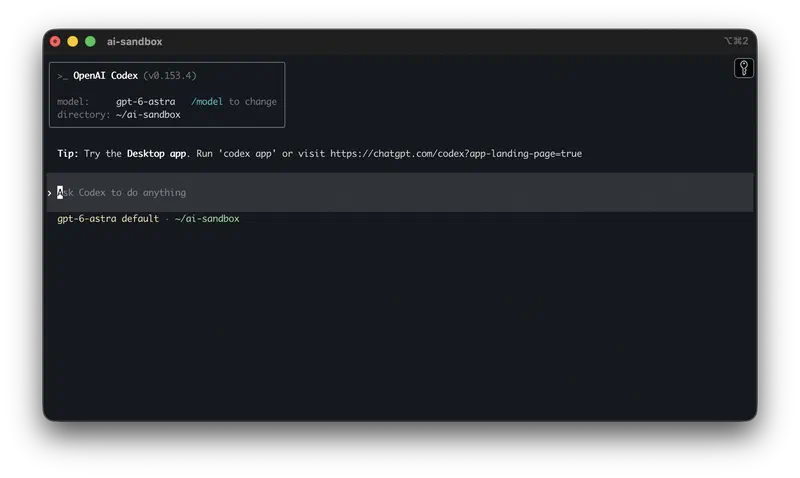
In 2026 Codex grew from “a model for code” into a standalone development tool: an app, a CLI, an IDE extension, agent workflows. For a manager without an engineering team, it usually isn’t the first place to start.
It is still worth knowing about, because it shows where the platform is heading: ChatGPT is increasingly able not just to answer, but to do work using tools.
Agent mode
ChatGPT agent handles multi-step tasks: it searches for information, works with files, navigates websites, fills in forms and uses connected data sources. That is much closer to the idea of a “digital assistant” that does the work itself.
One important caveat: agent mode doesn’t replace a manager’s thinking. It speeds up the routine, but you are still responsible for framing the task, setting quality criteria and checking the final result.
The platform keeps adding connectors as well: Zendesk and OneNote plugins are now in beta across ChatGPT, Codex and the Business and Enterprise work plans.
Sora’s shutdown
OpenAI has officially shut down Sora as a consumer product. The Sora web app and mobile app went offline on April 26, 2026, and the API is being discontinued on September 24, 2026. The reason: compute costs that never paid for themselves.
For managers there is a lesson here: don’t build long-term workflows around compute-hungry experimental tools, even when they come from market leaders. Cheap generative video hasn’t gone mainstream yet.
How ChatGPT performs in our benchmark
We tested OpenAI’s models in our own benchmark across eight categories of management work: communication, planning, team management, problem solving, information retrieval, learning, regional specifics and decision analysis.
GPT-6 Astra isn’t among the tested models yet: it came out on September 3, and the vendor and leaderboard data are in the section above. What follows is what we measured ourselves.
- Information search7.7
- Data analysis8.0
- Decisions under uncertainty8.2
- Feedback analysis8.1
- Corporate requirements and risks8.0
- Automation7.6
- People management8.3
- Russia and Kazakhstan specifics7.8
GPT-5.6 Sol – the strong categories are visible on the chart: information retrieval, problem solving, team management and regional awareness.
Here is how the OpenAI lineup looks:
- GPT-5.6 Terra – the balanced member of the family: even results across all categories at a price well below the flagship’s.
- GPT-5.6 Luna – the family’s budget model: noticeably cheaper than the senior versions, yet close to them in reasoning quality.
- GPT-5.5 – the previous flagship: strong logic in planning, decision prep and business writing, though regional specifics (CIS markets) still need attention.
- GPT-5.4 Mini – a solid mid-tier option with good value on reasoning tasks.
- GPT-5.2 – still there as a fallback in Plus and Pro, but no longer part of the public ranking for the new lineup.
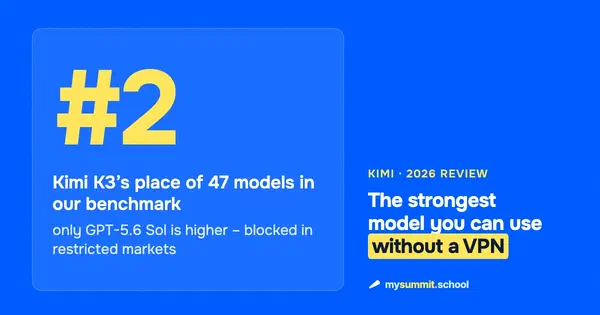
For all of OpenAI’s dominance in Western markets, an open-weight rival has pulled right up to its flagship: Kimi K3 from Moonshot AI. Its position in our ranking is in the model card, and the rest is in our review of the Kimi lineup. GLM offers decent quality at a competitive price. Grok from xAI, on the other hand, clearly lags in management scenarios – fast, but often beaten by both the flagships and the cheaper Chinese models.
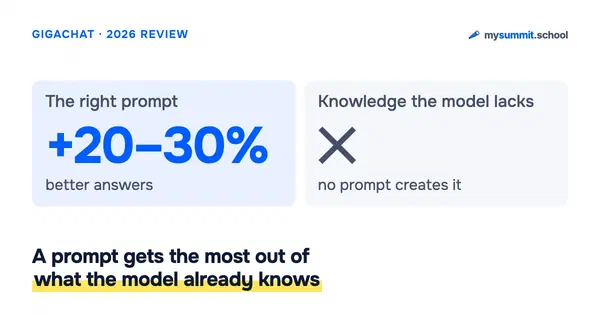
The main finding from the benchmark is an awkward one for marketers: the gap between models on typical management tasks keeps shrinking, but the gap between a good and a bad prompt on the same model does not.
Which plan to choose in 2026
Based on OpenAI’s pricing page as of September 2026:
- Free: free access with limits, including to
GPT-5.3; - Go: a budget paid plan with more access than Free;
- Plus: the main choice for heavy individual use; this is the entry point for
GPT-6 Astra; - Pro: the top individual plan, with
Astra Pro,GPT-5.5 Pro, extended agent mode and Codex; - Business: a team workspace with security, admin controls, connectors and access to the flagship models;
- Enterprise: the corporate option with custom terms and admin policies – including for the browser and the app.
In practice the choice boils down to this:
- Free works if you are just getting to know AI and want to understand the basic scenarios.
- Go makes sense if the free limit no longer covers you but ChatGPT isn’t yet a daily work tool.
- Plus is usually the best entry point for a manager who genuinely wants to build AI into their work.
- Pro is for people who use the platform daily and in depth: analysis, research, agent workflows, heavy document work and Codex.
A common mistake is trying to make up for weak task framing with a more expensive plan. In practice, prompt quality and the ability to check the answer affect the result more than the difference between neighboring plans.
Where ChatGPT really helps a manager
For a non-technical user in 2026, the strongest use cases are about speeding up well-understood management processes.
1. Communication
ChatGPT is good at helping you:
- write emails without the bureaucratic padding;
- adjust the tone to the recipient;
- turn messy notes into a clear message;
- prepare hard messages: a slipped deadline, a conflict, unwelcome feedback.
2. Working with documents
A strong 2026 use case: upload a long document and give it an analytical frame.
For example:
- which risks are being underestimated;
- what needs to be clarified before a decision;
- which parts are worded too vaguely;
- how to turn the document into an action plan for the team.
3. Preparing decisions
ChatGPT is especially useful when you prepare for meetings and difficult decisions:
- stress-test the logic of a plan;
- gather alternatives;
- draft the uncomfortable questions in advance;
- break a problem down into scenarios.
A good example is preparing a 1:1 with a team member. Run the same prompt on three models and see how much the structure, tone and depth of the questions differ:
You
Outline a 30-minute weekly 1:1 with an employee who has just completed their probation period. The manager's goal is to spot burnout risks, hidden blockers and growth opportunities. Give 5–7 specific questions, each with a note on what it is meant to reveal. Finish with what the manager should do after the meeting.
4. Learning and self-development
This one is underrated. In 2026 ChatGPT got noticeably better at “explain this topic from scratch, but skip the fluff”.
If you are new to AI, that is especially useful: instead of reading dozens of scattered posts, you can ask the platform to build you a structured learning path, from basic concepts to applied cases.
Where to start if you’re not deep into AI yet
A beginner doesn’t need to study every model, benchmark and agent mode right away. Three simple steps are enough.
- Start with three recurring work tasks: an email, a meeting summary, a document review.
- For each one, compare the regular fast mode with a stronger reasoning mode.
- Learn to check the result: where the model generalizes too boldly, what it made up, what data it is missing.
This is where a course adds real value. Almost everyone already has access to ChatGPT; what’s missing is the skill:
- how to frame the task;
- how to pick the mode;
- how to tell “nice-sounding text” from a useful result;
- how to build AI into your work systematically rather than now and then.
Data control and when an open model makes sense
ChatGPT is a closed, US-hosted cloud service: your data goes through OpenAI’s servers, and you can’t self-host it. For most teams that’s fine. For organizations that can’t send sensitive data outside – finance, healthcare, the public sector – it can be a dealbreaker, or at least a lot of compliance work.
In that case, look at open-weight models. The strongest one in our benchmark is Kimi K3: you can run it on your own infrastructure, and its current ranking is in the model card. Cheaper options include GLM-5 and DeepSeek.
Bottom line
Over 2026 the platform has become layered: fast everyday tasks, deep reasoning, code, agent workflows. September added a new layer – Astra, a model that operates software through its interfaces.
For most managers in September 2026, this is what you need to know:
GPT-5.3 Instantcovers most everyday work;GPT-5.4 ThinkingandGPT-5.5 Proare what you need for complex analysis;GPT-6 Astrais the new flagship; it is worth a look if you plan to hand an agent tasks that run through application interfaces. For writing and analysis the GPT-5.6 family is enough, especially after the summer price cuts;- old reference points like
GPT-4oandGPT-4.1no longer apply inside ChatGPT itself; - an expensive plan is no substitute for knowing how to frame a task.
If you just want to “try AI”, start with Free or Go. If you need ChatGPT for a manager’s daily work rather than one-off experiments, the path usually looks like this: Plus + practice on real tasks + structured training in prompting and checking results.
Other parts of this series
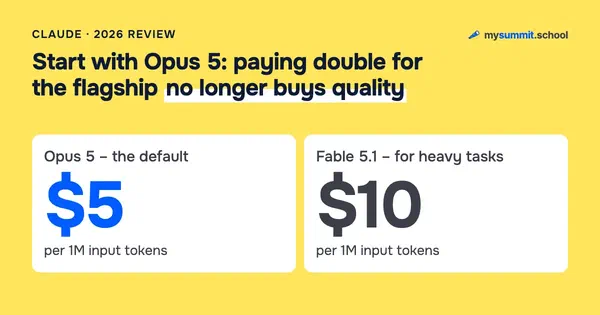 Part 2
Claude by Anthropic in 2026: Opus 5, Fable 5.1, Mythos 5.1, Cowork and Chrome – a Manager's Guide
 Part 3
Perplexity AI in 2026: A Manager's Guide to the Smart Answer Engine
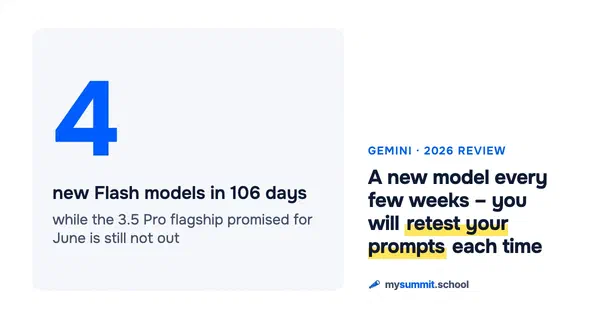 Part 4
Google Gemini in 2026: Models, NotebookLM and Workspace Integration
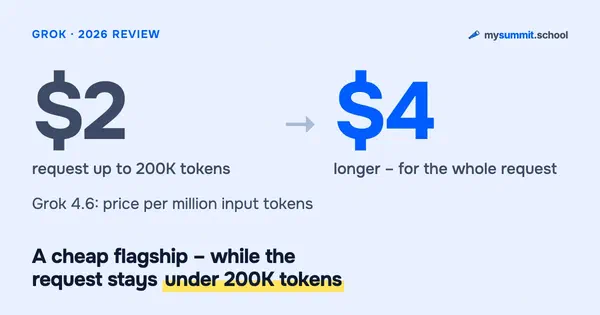 Part 5
Grok by SpaceXAI in 2026: A Review of Elon Musk's AI
 Part 6
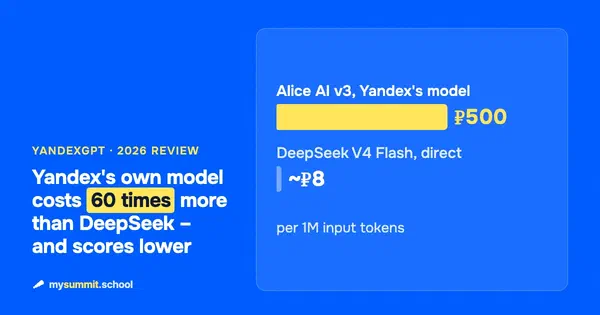
YandexGPT in 2026: A Review of Russia's AI Platform for Business
 Part 7
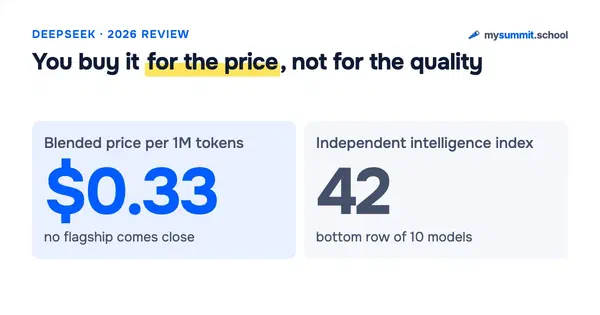
DeepSeek in 2026: V4-Pro and V4-Flash Reviewed After the Price Hike
 Part 8
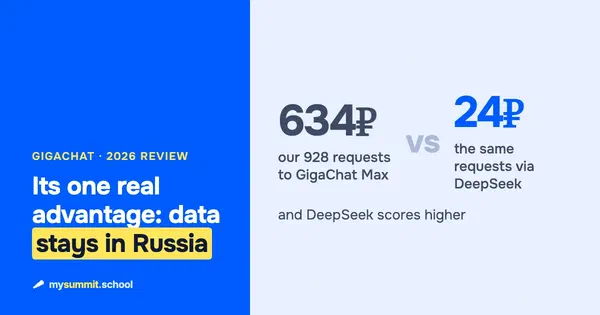
GigaChat in 2026: Honest Review – Is It Worth Using for Work?
 Part 9
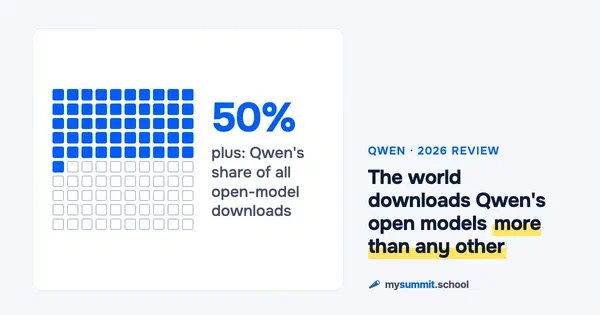
Qwen by Alibaba in 2026: Open Weights Are Back at the Top
 Part 10
LLM Benchmarks Explained: MMLU, Chatbot Arena & SWE-bench Leaderboard (2026)
 Part 11
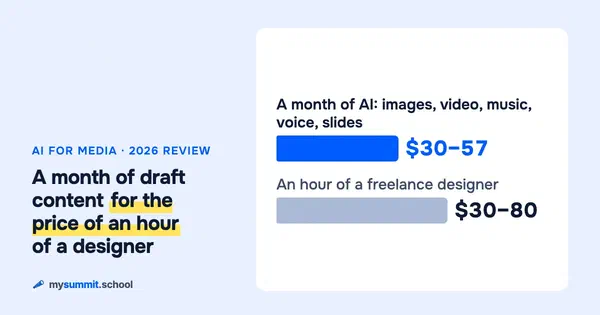
AI for Media Creation in 2026: Images, Video, Music and Presentations
 Part 12
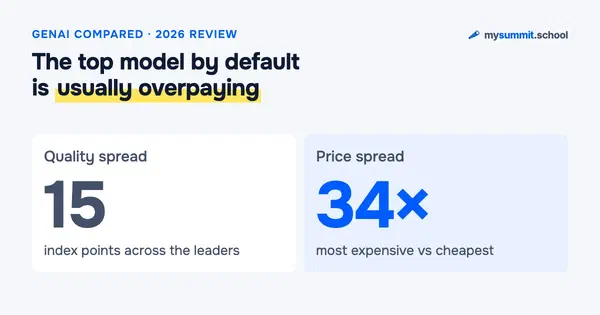
GenAI Tools Comparison 2026: Which AI Should a Manager Choose?
 Part 13
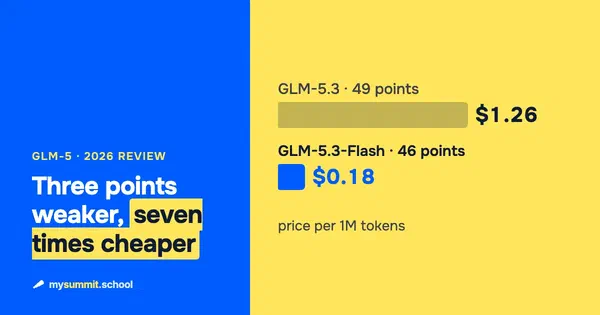
Chat Z.AI (GLM-5) in 2026: The Chinese Model That Pretends to Be Claude
 Part 14
Kimi by Moonshot in 2026: K3, K2.6, K2.7-Code and Agents for Managers
 Part 15
GigaChat at Work: Getting the Most Out of Russia's Sovereign AI
 Part 16
AI Benchmarks Are Losing Their Meaning – So How Do You Pick a Model?
 Part 17
Meta Muse Spark: Meta's First Closed Model Since 2023
 Part 18
Microsoft MAI Models in 2026: What You Can Actually Use, and What It Costs
 Part 19
Coding Agents in 2026: Two Form Factors – Terminal and Desktop
Useful links
- ChatGPT
- ChatGPT pricing
- GPT-6 Astra in the OpenAI API docs
- The Astra release and the Critical threshold – MarkTechPost
- GPT-5.6 release
- OpenAI models in the API
- GPT-5.3 and GPT-5.4 in ChatGPT
- GPT-5.4 mini and nano release
- ChatGPT agent
- Artificial Analysis – model leaderboard
- Arena.ai – preference leaderboard
- Sora archive and data export (sunset)

18 years leading engineering teams. Founder of mysummit.school. 700+ graduates at Yandex Practicum and Stratoplan.